01
Add it.
Choose a supported investment or mortgage statement. Elcap processes it on your iPhone.
Elcap is a private wealth tracker for iPhone. Bring your investments, cash, and home equity into one clear view. Start with a supported statement, review the details, and see what you own.
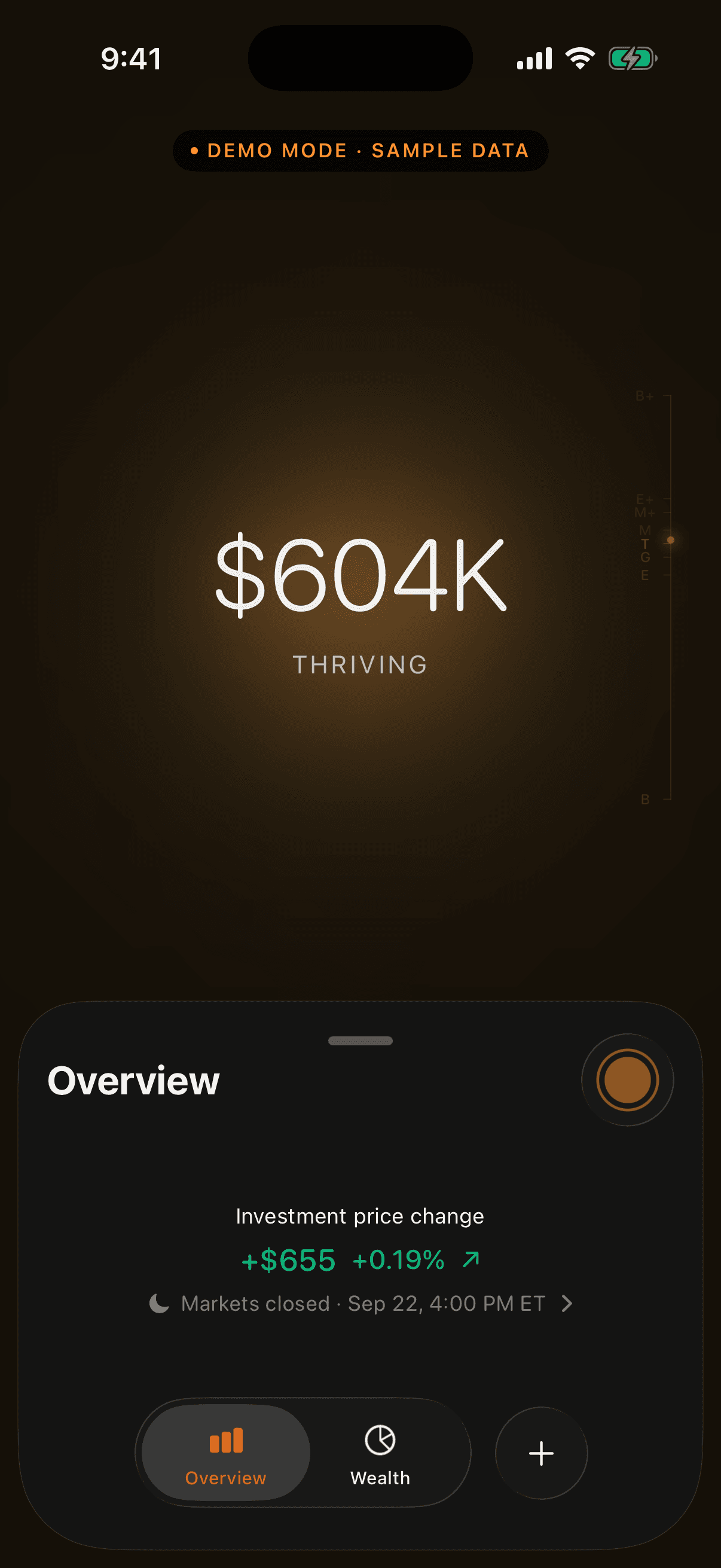
Explore real screens from the iPhone app.
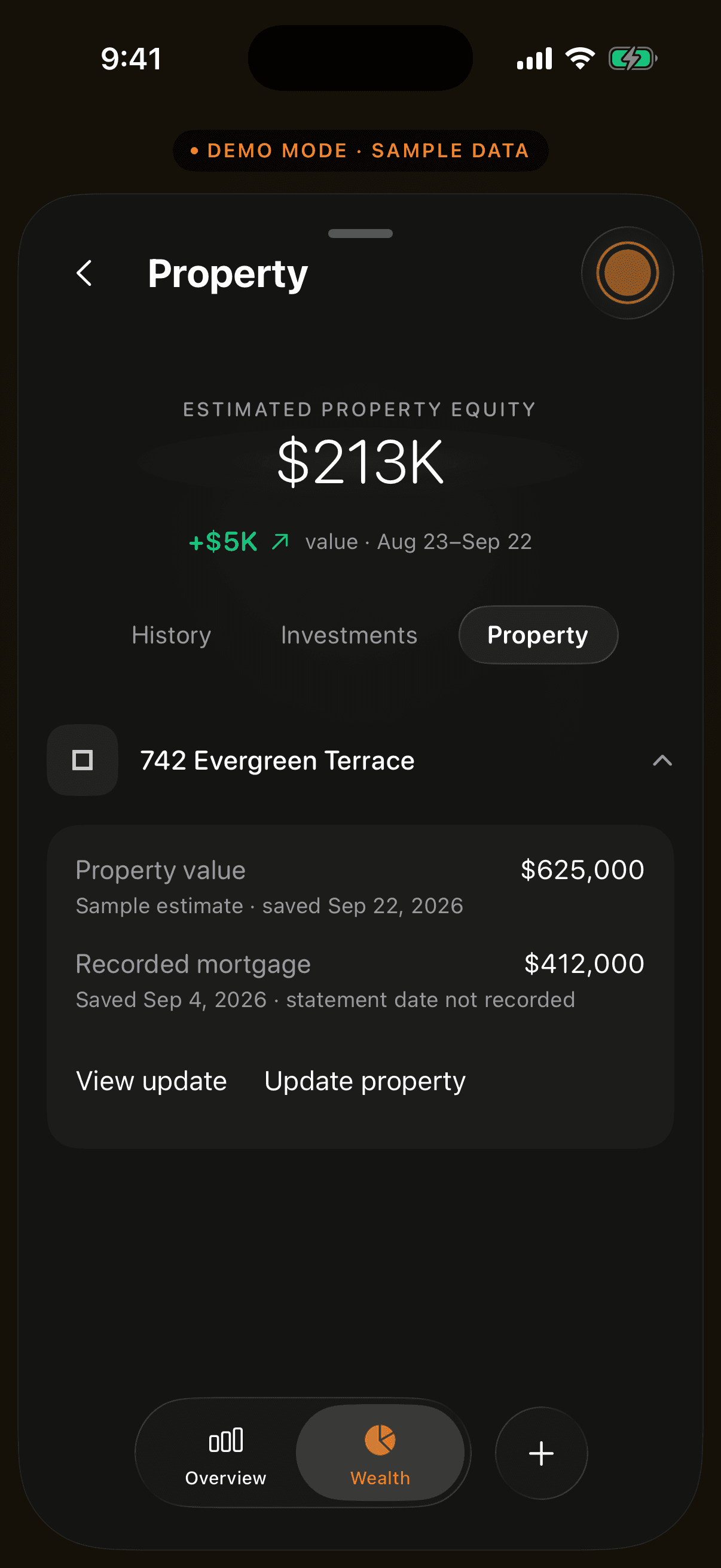
See your property value, mortgage balance, and equity alongside your investments.
Review the values from your mortgage document before adding them to Elcap.
You don’t need to add everything at once.
Choose a supported investment or mortgage statement. Elcap processes it on your iPhone.
Compare the extracted details with your statement and check any warnings before saving.
Explore the account or property behind your total. Add a newer statement when your sources change.
Elcap processes your statements on your iPhone. Your wealth data is stored on your device, with private cloud backup and sync when enabled.
Connected features use services for sign-in, prices, property value estimates, diagnostics and analytics. Our policy explains what’s shared and the choices you have.
See how Elcap handles dataUnderstand the sources, the numbers, and your choices.
How Elcap uses supported statements to track investments, cash represented in statements, and home equity on iPhone, without a continuous bank connection.
Read the guide UNDERSTAND YOUR WEALTHUnderstand home equity, avoid counting mortgage debt twice, and see how property contributes to your tracked wealth in Elcap.
Read the guide HOW ELCAP WORKSSee how to start with a supported statement in Elcap: import on iPhone, review the details, and explore the wealth you have added.
Read the guideElcap’s colors evolve with your tracked wealth.
Explore the app’s eight stages.
Tiers describe tracked wealth in Elcap. They are not a measure of financial health or a promise of growth.
Import a supported investment or mortgage statement, then review the extracted details before saving. You can add more accounts and property later.
Yes. Elcap includes a separate demo with fictional data. The images on this page were captured from that native demo; the website tour lets you look through those screens.
Your recorded holdings come from the sources you add. Market quotes can update eligible positions, but do not automatically know about new trades, transfers, or changes to your accounts. Add a new statement when your holdings change.
Your wealth data is stored on your device, with private cloud storage for backup and sync when enabled. Elcap also uses connected services for functions such as sign-in, market prices, property value estimates, diagnostics, and analytics. Our privacy policy explains those services and your choices.
Elcap Live is a separate membership for live market features, including price updates for eligible holdings. Availability depends on your device and app version. Membership details and pricing will be shown before you purchase.
We’re preparing Elcap’s first App Store release. Join the beta invitation list, or sign up for one email when it’s available. The download link and pricing will appear here at launch. Elcap Live will require a separate membership.
 ELCAP FOR IPHONE
A clearer view of your wealth is coming to iPhone.
For iPhone · Public release coming soon